Rolling out shortly – here's what to expect


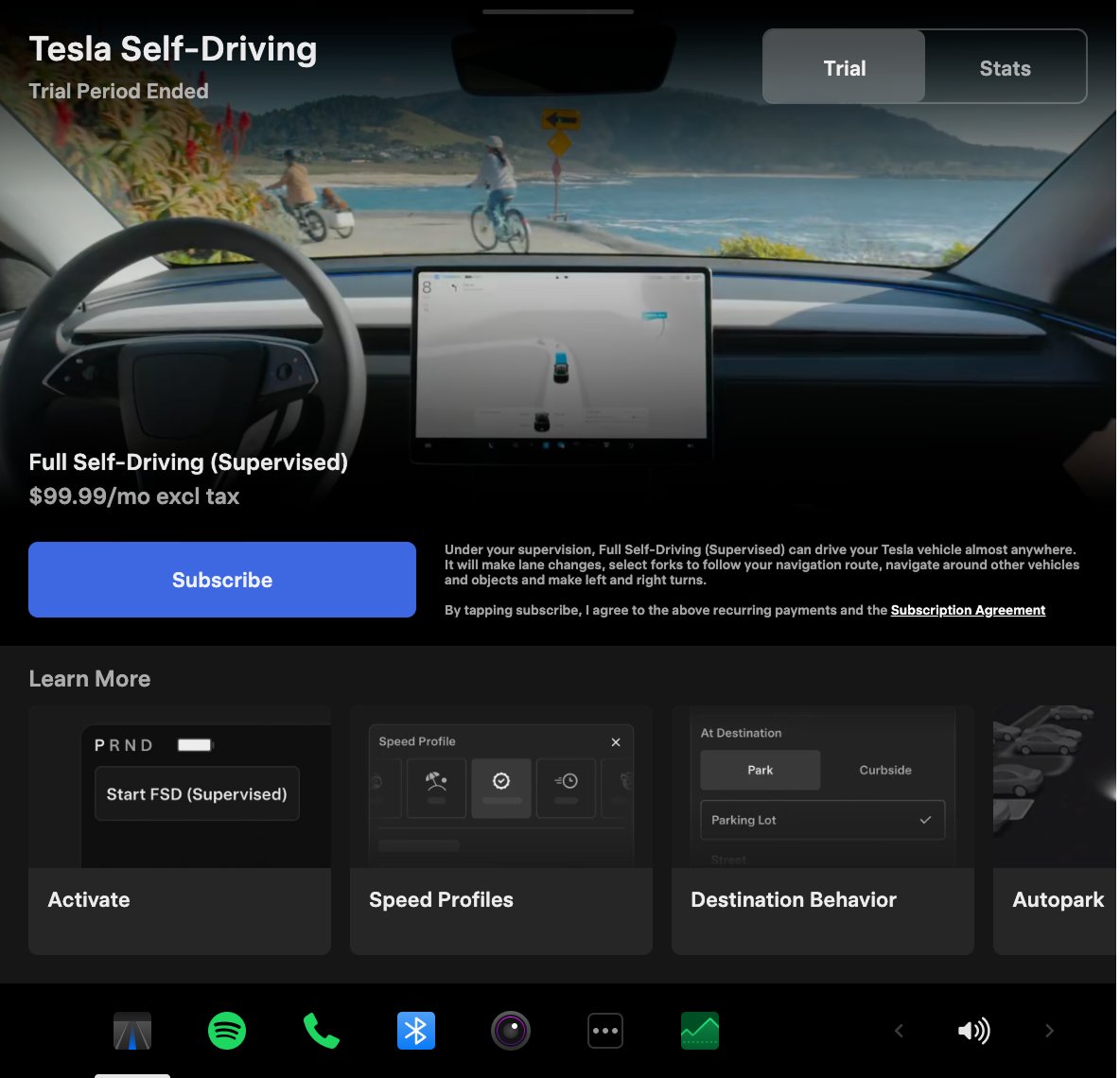
Self-Driving App (AI4 hardware)
New Self-Driving app lets you subscribe with a single tap & learn about how to activate and use the feature. You can also view ongoing stats.
App Launcher > Self-Driving

"Hey Grok”
Launch Grok by saying "Hey Grok."
Enable via Grok > Settings. You can also set location-based reminders, like "remind me to pick up milk when I'm near home." Say “goodbye” to dismiss Grok.

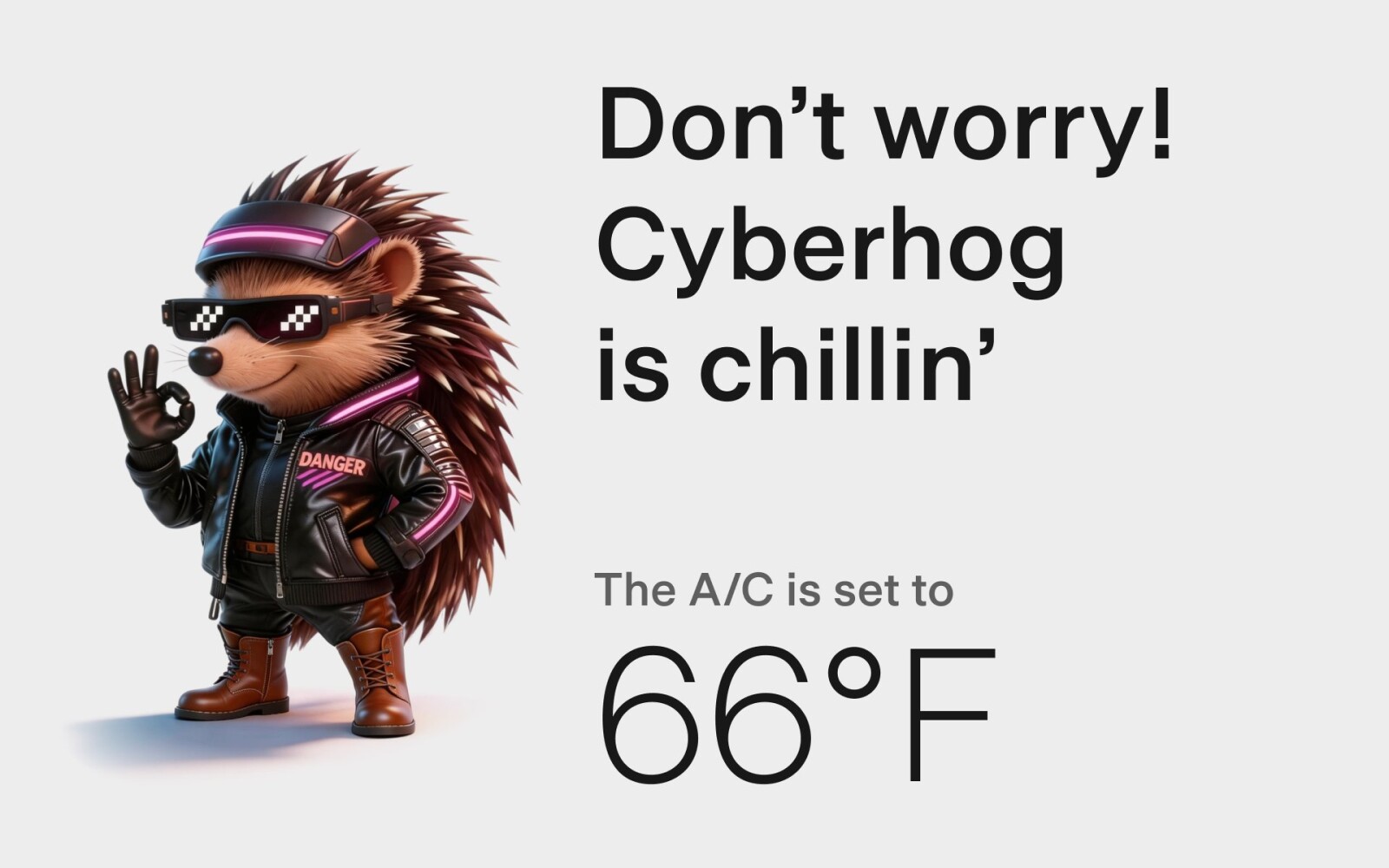
Pet Mode
Choose from dog, cat or hedgehog to display when Pet Mode is active. Also optionally customize the screen with your pet's name by going to Controls > Display > Customize Pet Mode

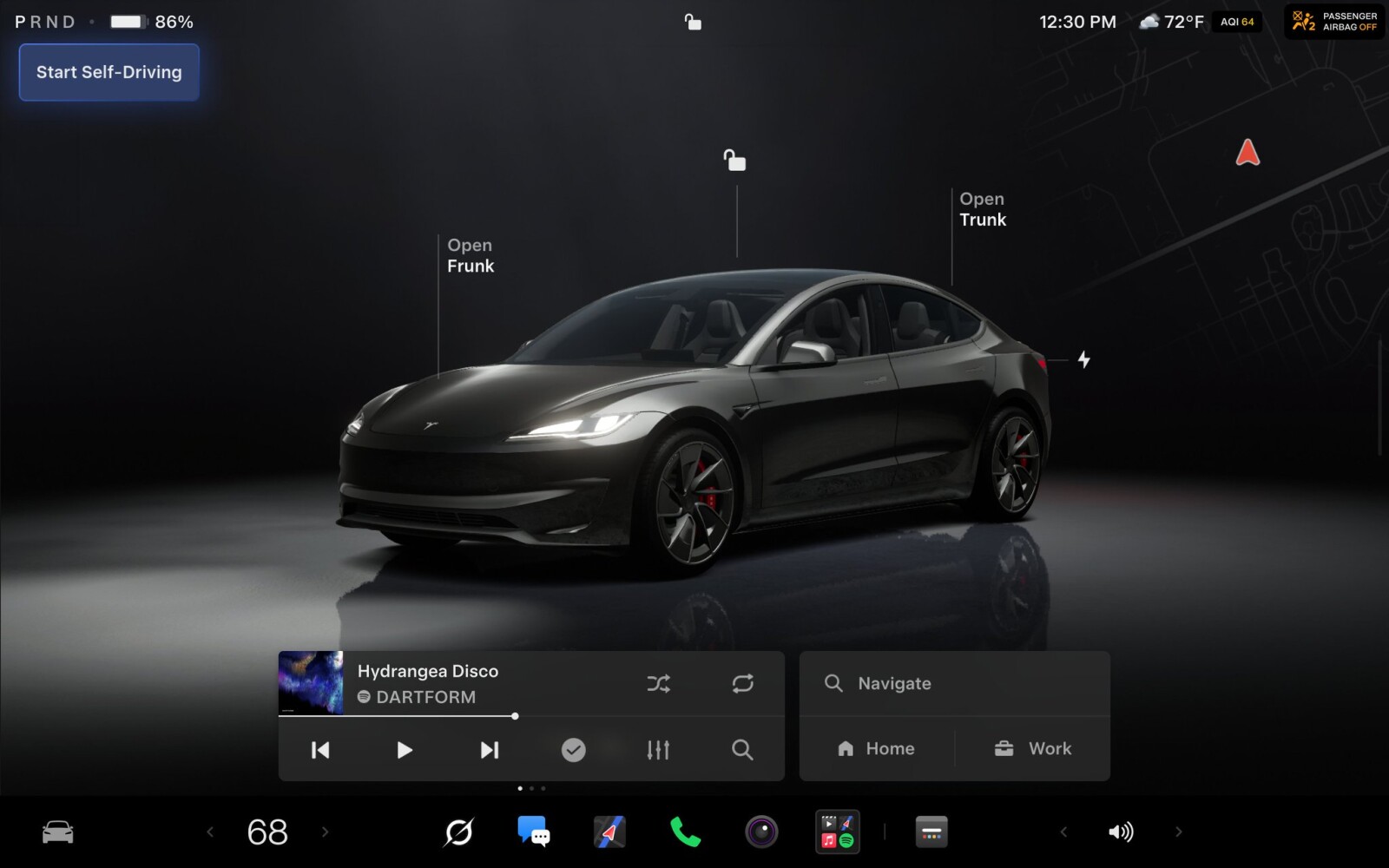
Car Visualization (New Model 3 & Y)
A new park scene environment & higher quality car visualization.

Trip Stats
Create multiple trips to track energy stats across drives. Quickly access your trip’s consumption by swiping left on the media player.
App Launcher > Energy > Trips

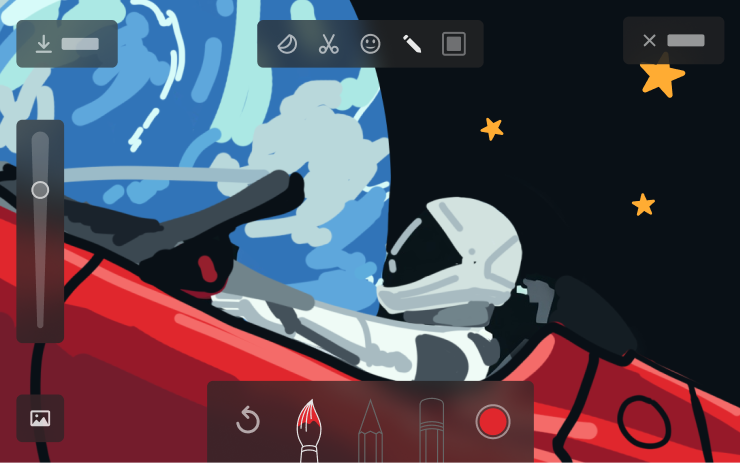
Sketchpad
Sketchpad now supports stickers & emojis. You can also save your sketches to access them in the Mobile App & share.

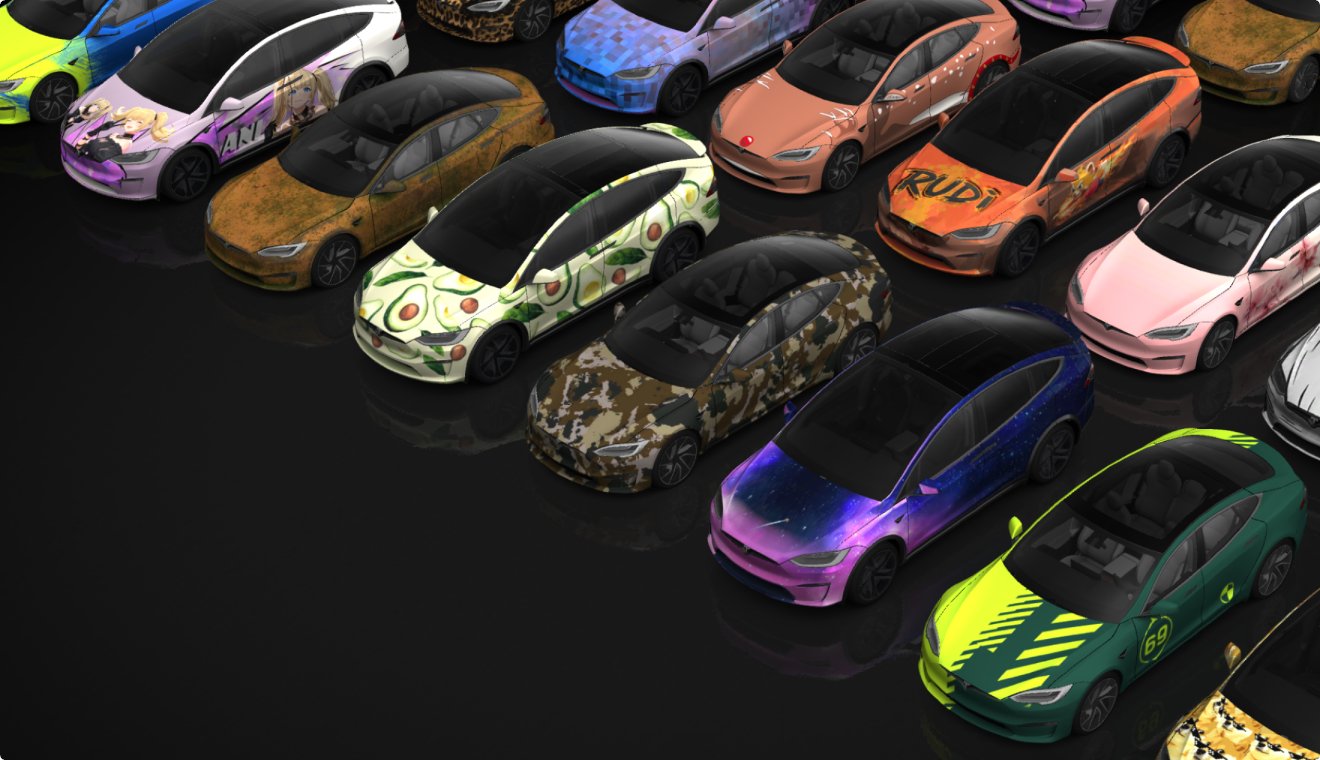
Custom Wraps and License Plates (SX)
Model S & X owners can now personalize their Tesla avatar with window tints, custom wraps & license plates.
App Launcher > Toybox > Paint Shop or tap the paint or license plate button in Controls > Software
Blind Spot Warning Accent Lights
Accent lights now turn red when an object is in your blind spot and your turn signal is engaged, or when an approaching object is detected while parked.
Immersive Sound (New Model 3 & Y w/ premium audio)
Premium Immersive Sound uses advanced sound extraction to place the listener in front of a detailed soundstage within an Immersive space. This enhancement works with all streaming sources. Go to Settings > Audio > Tone > Immersive Sound to adjust.
Automatically Install Updates
Your Tesla can now automatically install downloaded software updates overnight. When enabled, updates will install while your Tesla is parked and not in use.
To enable, go to Controls > Software > Automatically Install Updates.

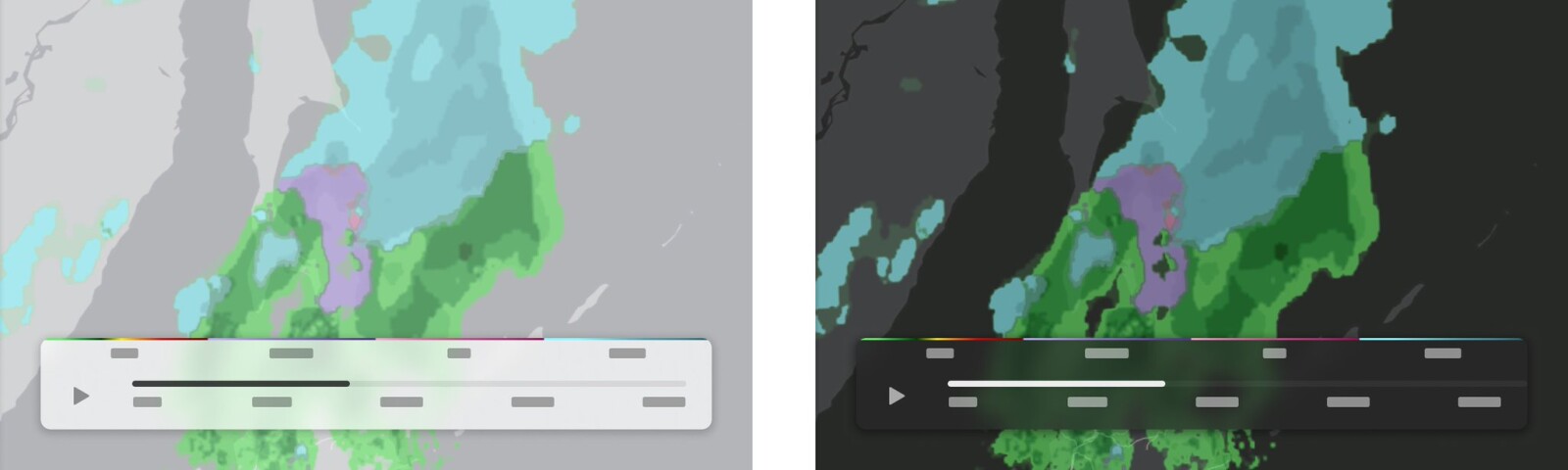
Weather Maps Improvements
Weather maps now show snow and rain with improved colors that make it easier to distinguish between precipitation types. You can also view the past hour of weather data to see how conditions have been changing along your route.

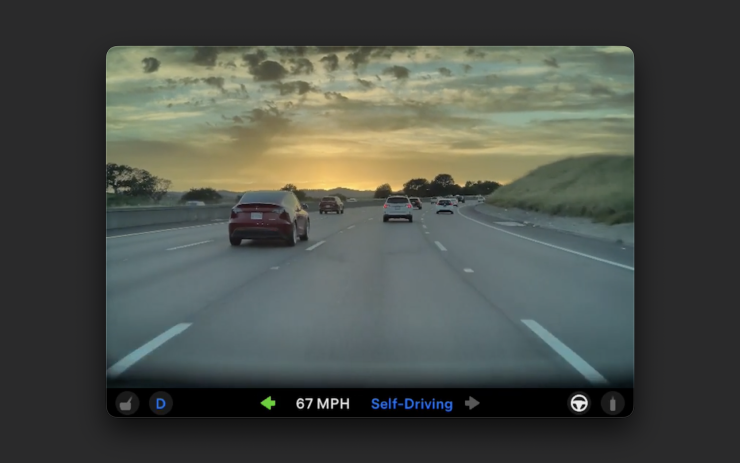
Dashcam Improvements
Recent Dashcam footage can now extend up to 24 hours & you can save any clip for permanent storage on your Tesla by going to App Launcher > Dashcam Viewer. Clips stay on the vehicle and are never shared to Tesla.
Other Improvements
Swipe right on tracks in Apple Music or Spotify to add them to the queue. In Apple Music, tap and hold on a track to add or remove from Favorites. In Spotify, swipe left to add or remove from Liked Songs
Passengers in rear seats can now view and interact with maps on the rear display while your Tesla navigates a route
Enjoy!














 .
.





 , encore une idée reprise je pense
  .
.